Education
Boarding Pass in Apple Wallet: Every Major Airline (2026)
Which airlines support Apple Wallet boarding passes, what works on iOS 26, Apple Watch sync status, and how to convert any PDF when no Wallet button appears.
10 min read
Learn everything about Apple Wallet: features, barcode formats, pass management, lock screen integration, and tips to get the most from your digital passes.

72 articles
Which airlines support Apple Wallet boarding passes, what works on iOS 26, Apple Watch sync status, and how to convert any PDF when no Wallet button appears.

Discover why Apple Wallet is the best place for your passes. Learn about the benefits of native wallet integration over third-party apps.

Apple Wallet pass not adding, updating, syncing, or scanning? Start with the symptom, find the likely cause, and use the right fix.

Compare Apple Wallet vs third-party wallet apps. Learn how passes work, where data is stored, and which option suits you best.

Screenshot tickets often fail to scan at checkout. Learn why barcodes break when screenshotted and how to create reliable Wallet passes.
Complete 2026 guide to Apple Wallet: payments, transit, tickets, keys, IDs, passports, order tracking, and what still needs a third-party app like NeatPass.

Learn how iOS 26 brings live flight tracking to Apple Wallet boarding passes. See gate changes, delays, and boarding times right on your lock screen.

Unlock Apple Wallet's hidden features: lock screen access, location alerts, Express Mode, AirDrop sharing, and more tips you're probably missing.
Sync and display Apple Wallet passes on your Apple Watch. Boarding passes, loyalty cards, and event tickets on your wrist, accessible with one double-click.
Some passes share by AirDrop or iMessage; many block it. Which passes can be shared, why yours can't, and how to make a copy anyone can add.

iOS 26 adds AutoFill, AI order tracking, Digital ID, redesigned boarding passes, and more to Apple Wallet. Here is what changed and how to use each feature.

Wallet passes only surface on the Lock Screen near the right time or place. Here's the setting that controls it and why your pass stays hidden.

Apple Wallet holds more than credit cards. Discover all the pass types you can store, from boarding passes to hotel keys, ID cards, and more.
New to Apple Wallet? This beginner's guide explains what it stores, how to add passes and tickets, and practical tips to get the most out of it every day.
Learn how NeatPass adds deep links to exported Apple Wallet passes. Tap a button on the back of your pass to open it in NeatPass for editing and more.
Event pass disappeared from lock screen after day 1? Learn why Apple Wallet's single relevantDate hides multi-day event passes and how to fix visibility.
Fix Apple Wallet barcode scanning issues. Learn why passes fail to scan and troubleshoot brightness, positioning, data corruption, and scanner problems.

Honest guide to Apple Wallet limitations: no NFC cloning, bank requirements, no screenshots. Learn which workarounds actually work.
Compare iPhone loyalty card storage: Apple Wallet vs apps vs store apps. Learn which method is most reliable, private, and convenient for your cards.

Complete guide to Apple Wallet card types: payment, transit, tickets, loyalty, keys, IDs. What works natively vs what needs NeatPass.

Convert your physical loyalty cards to Apple Wallet passes. Scan any barcode, create native passes, and access your cards instantly from the lock screen.

Wallet passes are convenient, but your original ticket matters. Learn when you need source documents and how to keep them accessible alongside your passes.
Your Apple Wallet pass barcode looks blurry and won't scan. Learn why screenshot-based passes lose barcode quality and how to get crisp, scannable passes.

QR, Code 128, PDF417, Aztec, EAN. Learn how different barcode types work and how to convert any format to Apple Wallet for reliable scanning.

Your pass says expired but the ticket still works. Here's why Wallet hides it, how to unhide expired passes, and how to stop auto-expiration.
Apple Wallet barcode scanning tips: how auto-brightness works, fixing glare and screen protector issues, and quick fixes for hard-to-scan passes.
Apple Wallet not detecting a .pkpass file usually points to delivery or issuer problems. Learn what Wallet expects and when a barcode workaround helps.
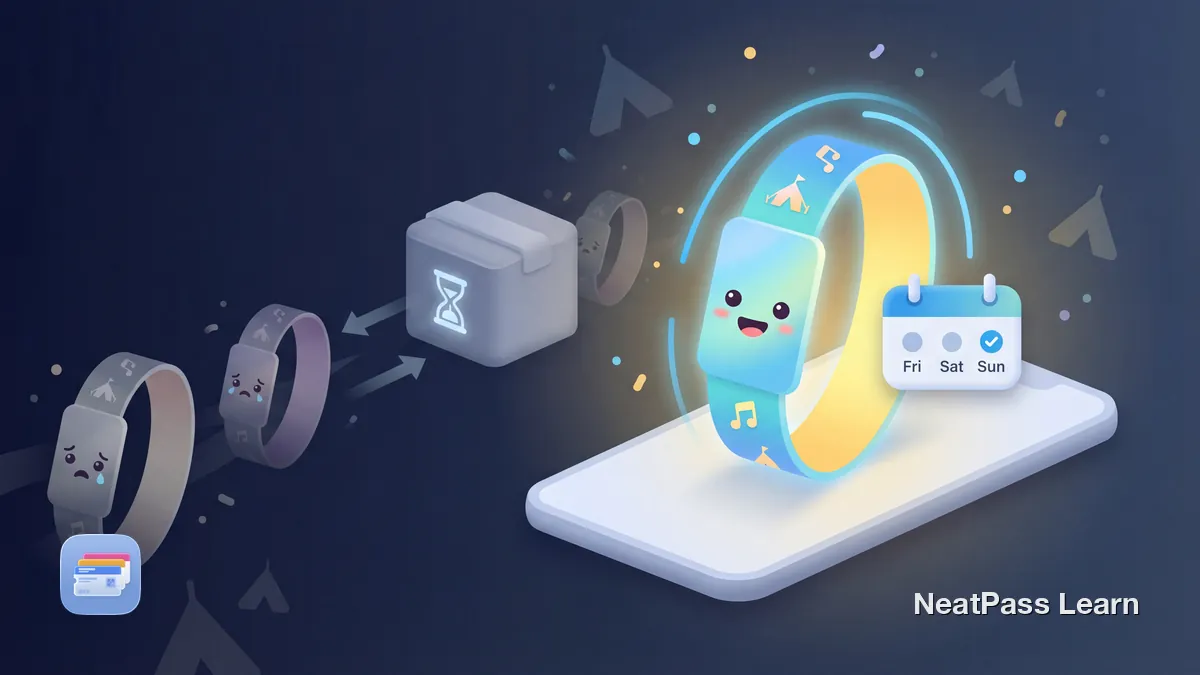
Festival pass vanished from Apple Wallet after Day 1? Learn why iOS hides multi-day event passes and how to keep your wristband pass visible all weekend long.
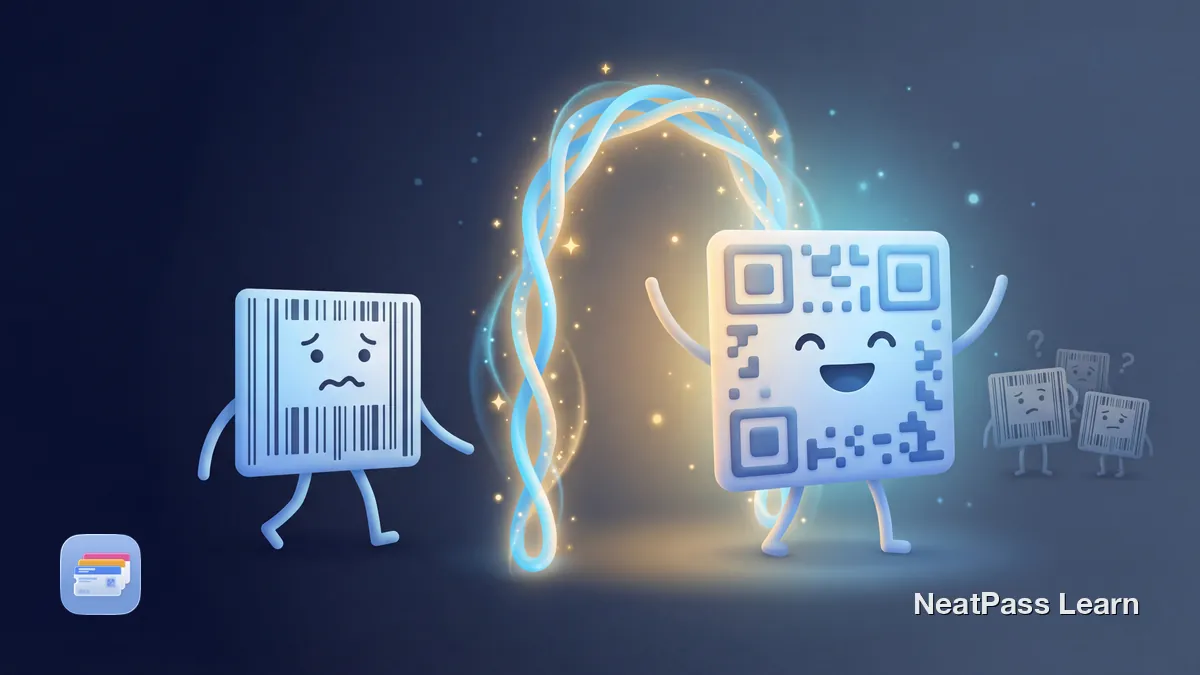
Apple Wallet doesn't natively support GS1 DataBar barcodes. Learn how NeatPass displays them in-app and auto-converts to compatible QR Code for Wallet.

Festival pass disappears after day one? Learn why Apple Wallet hides multi-day passes and how to set an end date so your pass stays visible all weekend.
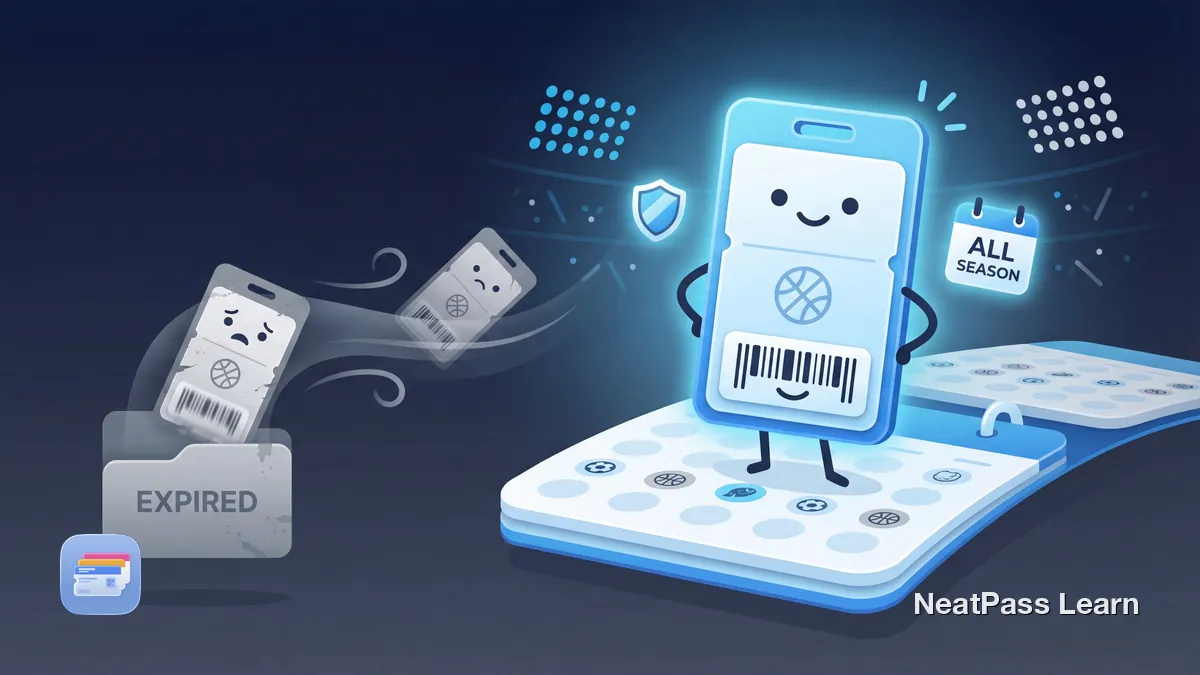
Season ticket barcode removed before the game? Learn why Apple Wallet marks tickets expired early and how to keep passes active with proper end dates.

Complete guide to going wallet-free with Apple Wallet. Digitize loyalty cards, memberships, insurance cards, and tickets, plus what cannot be digitized.

Apple Wallet won't accept QR codes directly. Learn how to convert any QR code from tickets, loyalty cards, or memberships into a native Wallet pass.
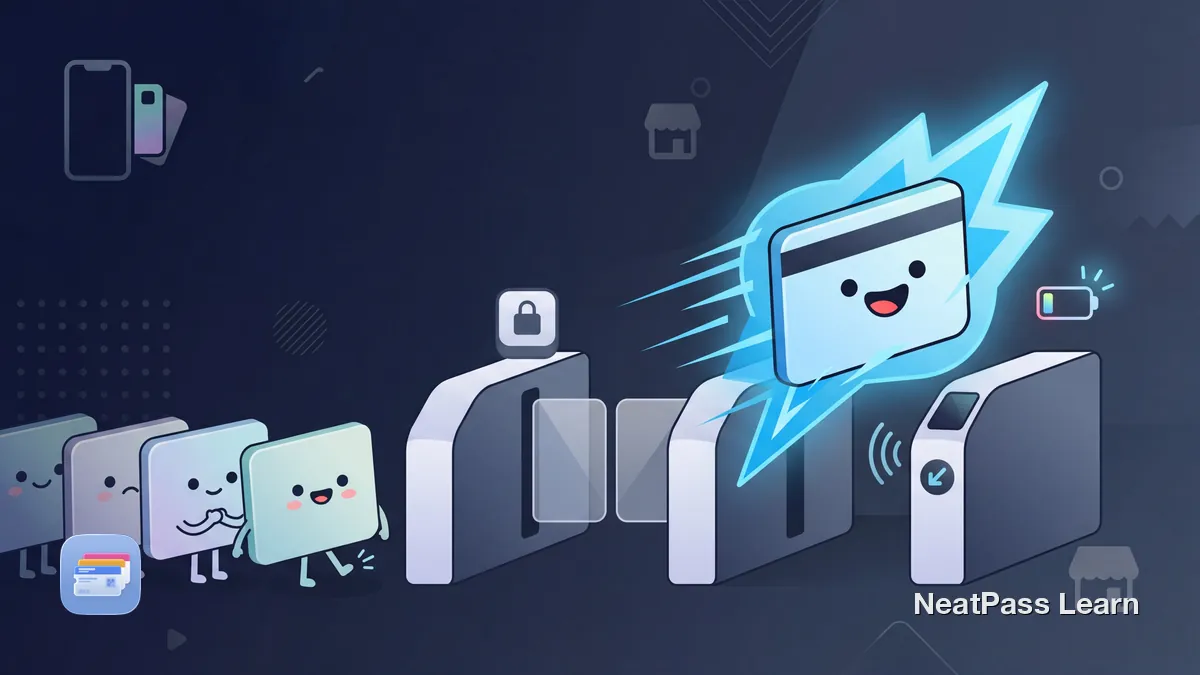
Express Mode works for transit cards, keys, and student IDs, not tickets or loyalty cards. How to turn it on, and why your pass doesn't have it.
Apple Wallet doesn't support DataMatrix barcodes natively. Learn how NeatPass preserves your original barcode in-app and converts to QR for Wallet export.

Apple Wallet doesn't support EAN-13 or DataMatrix barcodes natively. Learn how NeatPass displays originals in-app and converts to QR for Wallet export.

Apple Wallet doesn't support Micro QR Codes natively. Learn what Micro QR is, how it differs from standard QR, and how NeatPass converts it automatically.
Apple Wallet only supports certain cards natively. Learn how to add loyalty cards, gym memberships, and any barcode card using privacy-focused apps.
Add a native digital car key to Apple Wallet for BMW, Mercedes, Hyundai, and Kia. Learn how to set it up, share it, and which iPhone you need in Germany.

Tickets often have multiple barcodes. Learn which one to pick for Apple Wallet and how NeatPass color-codes duplicates so you choose the right one.
Lost your Wallet passes after a reset? Here's what iCloud actually restores, what it doesn't, and how to get your passes back (plus prevent it next time).
iOS updates can make Apple Wallet passes vanish. Learn workarounds like toggling Hide Expired Passes, forcing iCloud sync, and protecting passes.

Most wallet apps lowercase German brands like REWE and EDEKA and strip umlauts. Learn why Großschreibung matters and how to keep your cards correct.

Apple Wallet passes not syncing between your iPhone and Apple Watch? Official tickets often fail to sync. Learn why it happens and how NeatPass fixes it.

NeatPass iCloud Sync automatically preserves all your passes during iPhone upgrades. No manual exports, no lost cards - your data transfers seamlessly.

Declutter your wallet this year. Learn how to audit your cards, digitize loyalty and membership cards, and move everything to Apple Wallet.

Prepare your boarding passes for summer travel. Learn which airlines support Apple Wallet, how to convert PDFs, and why offline access matters at airports.
Which airlines support the iOS 26 boarding pass Live Activity, what triggers it, the requirements, and how to fix it when live updates do not appear.
Apple Wallet pass not updating? Learn what to check on iPhone and Apple Watch, when Wallet can refresh, and when the issuer backend must republish.

A pass shows on your iPhone but not your Apple Watch? Learn how Wallet syncs, which passes reach the watch, and the step-by-step fixes to get it back.
Ticketmaster shows "Unable to Add Pass" or "could not add pass, please try again later"? Learn what the error really means and the fixes that actually work.
Why Ticketmaster Apple Wallet passes show Pass Disabled or Device Limit Reached after a transfer, how to troubleshoot, and the limits of any workaround.
Apple Wallet error "Unable to add pass. Try again later." explained. Six root causes, fix order from most to least common, and how to tell pass vs device.
Learn how to remove expired passes from Apple Wallet, understand what deletion changes on your devices, and how NeatPass archiving simplifies cleanup.
Apple Wallet says "This pass is associated with a different Apple ID." Learn why issuer account binding disables tickets and how to fix it step by step.
Delta added iOS 26 Wallet boarding pass support in 2025. Here is why Live Activity may not show, what to check on the iPhone, and what actually works.

Some providers push the new Deutschlandticket to Apple Wallet automatically each month, others need a manual re-add. Here is who does what in 2026.
Safari refusing to download a pkpass file? MIME type, Content-Disposition, browser settings explained, plus a Mac AirDrop and Apple Mail workaround.
Why Ticketmaster SafeTix often hide the Add to Apple Wallet button, when it returns, which events still allow Wallet, and what NeatPass can and cannot do.

Remove Pass missing? The pass is probably hidden, expired-and-hidden, or managed by another app. Three checks that fix it in under a minute.

Many tickets and cards lack an Add to Apple Wallet button. Learn why companies skip Wallet support and how to create your own pass from any barcode.
Fix the Add to Apple Wallet button not showing on your iPhone. The most common cause is Display Zoom. Learn how to switch to Standard view and other fixes.

Stop searching through apps and emails for tickets. Learn how to consolidate concert, sports, and festival tickets in Apple Wallet for instant access.
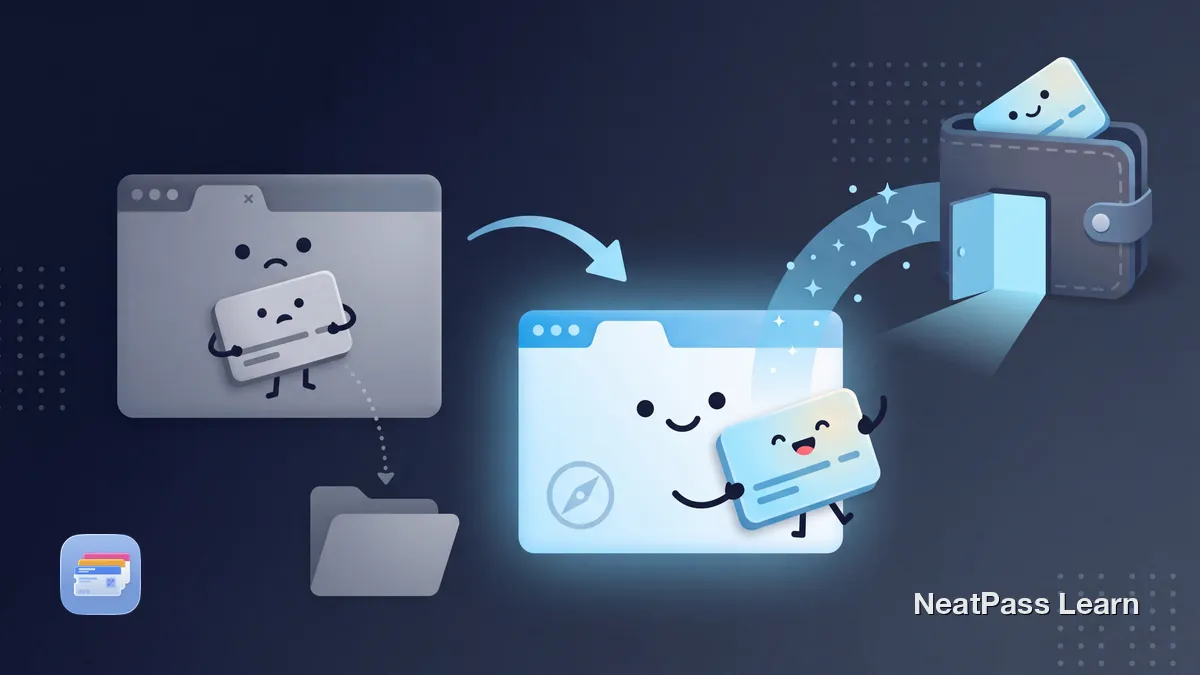
Pass won't add to Apple Wallet in Chrome on iPhone? Retry in Safari first. Learn what's a browser issue vs. an issuer issue and when a workaround helps.

Learn which passes and tickets belong in Apple Wallet, how official Add to Wallet flows work, and how to add barcode passes when apps do not support it.

Understand QR, Aztec, PDF417, and Code 128 in Apple Wallet, when each format is used, and how to choose the right ticket barcode before converting safely.

Learn what .pkpass files are, how they work inside Apple Wallet, what data they contain, and how to open, inspect, or create them from PDFs and barcodes.
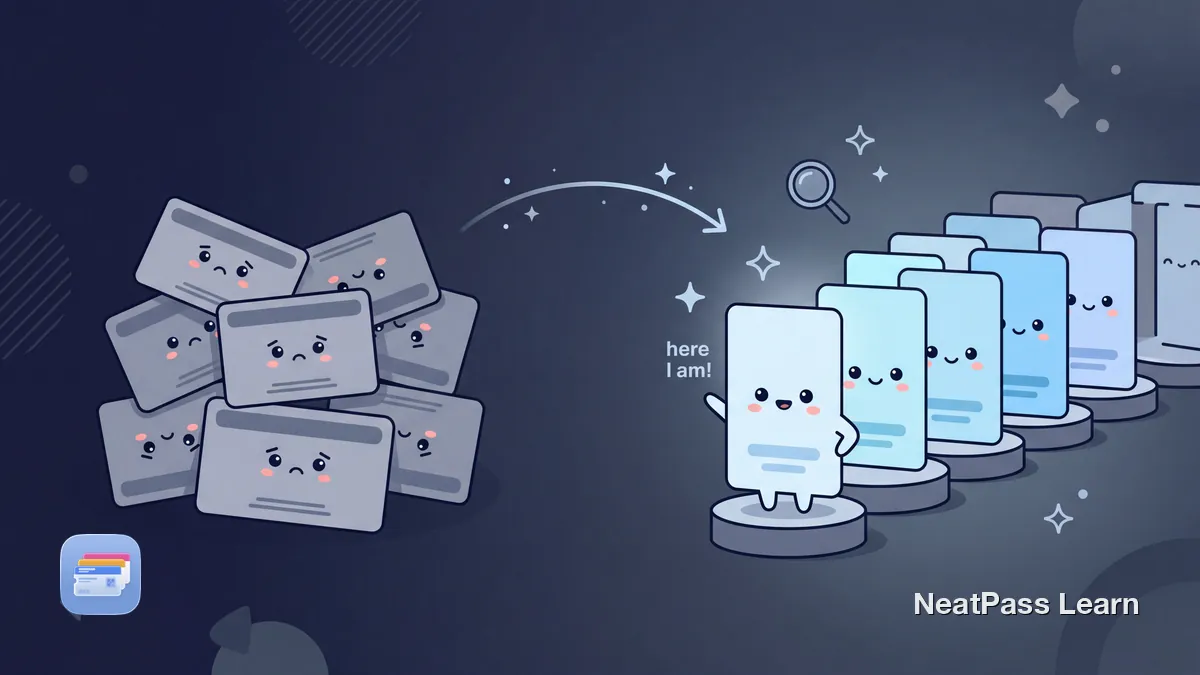
Rename Apple Wallet passes with clear naming rules so you find the right ticket or card faster, especially when managing many similar passes under pressure.
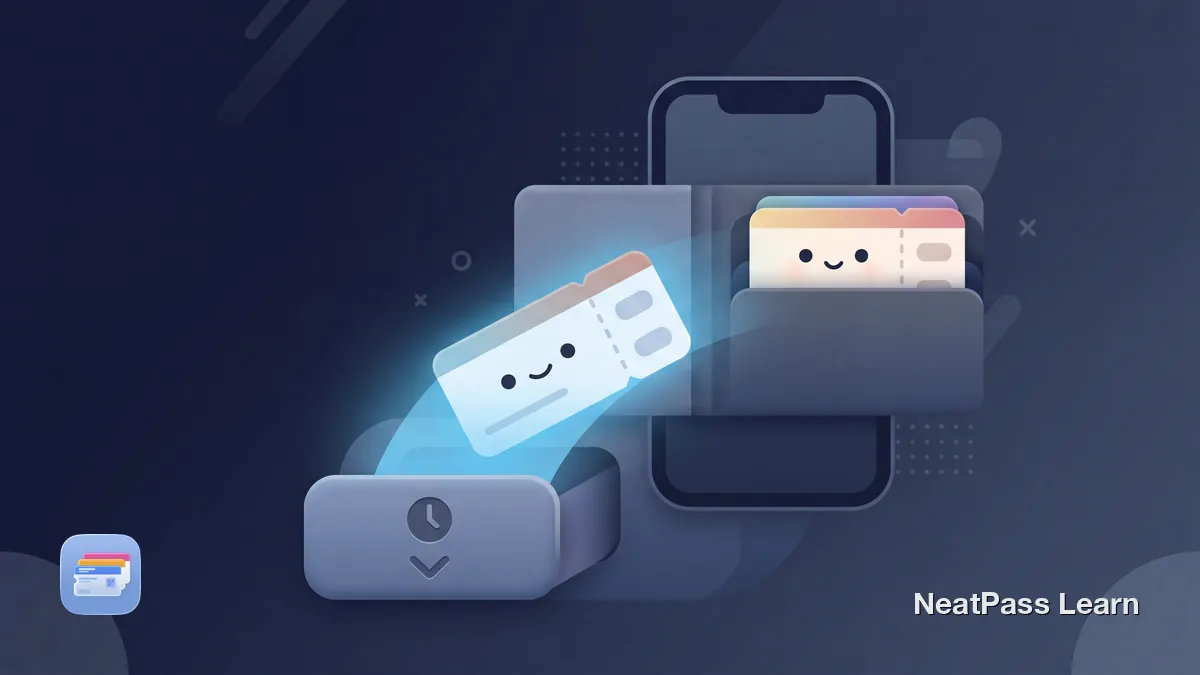
Your boarding pass vanished about an hour after the flight? It was auto-hidden to the Expired list, not deleted. Here is how to find it and unhide it.
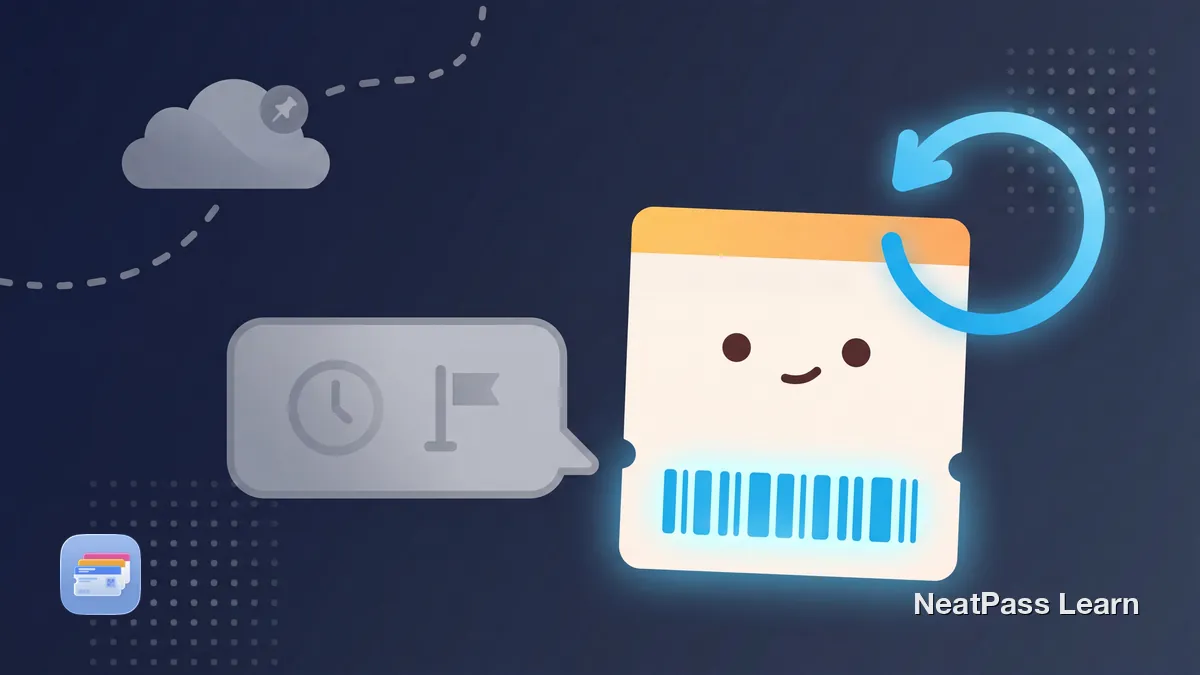
Your Apple Wallet boarding pass shows the wrong gate or time? Learn why Wallet does not refresh, how to update it manually, and when the barcode still works.
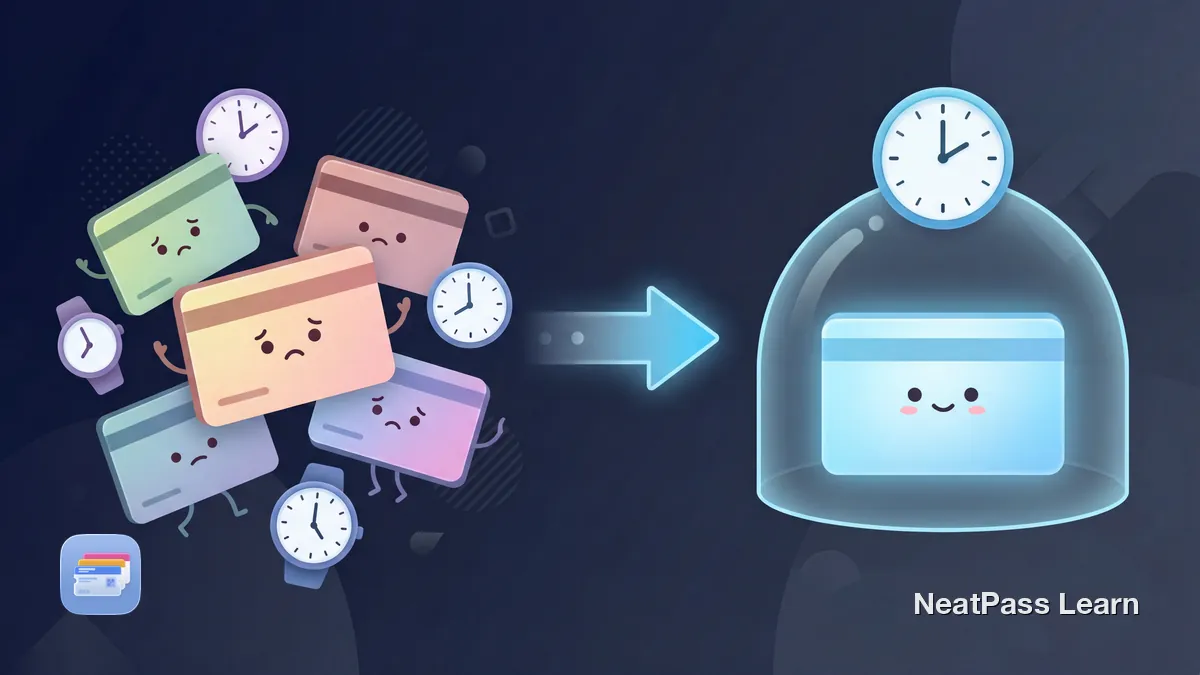
Boarding pass shows wrong time in Apple Wallet after travel? Learn why timezone issues happen in .pkpass files and how to fix them.
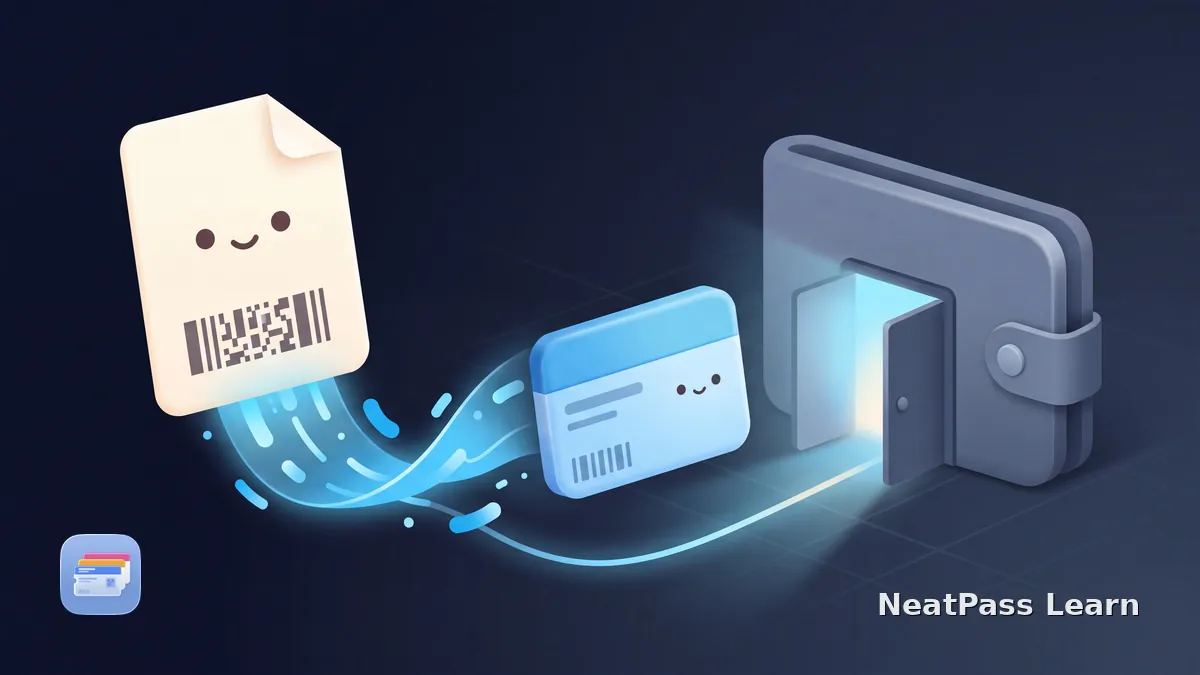
Yes, any PDF with a barcode or QR code can become a real Apple Wallet pass. A converter reads the code out of the PDF and builds a pass on your iPhone.
Try completely free. €4.99 for unlimited passes.